Business phone number
How a dedicated business line protects your privacy, builds customer trust, and scales with your team without hardware or IT overhead.
Still answering customer calls on your personal cell phone at 9 PM? You're not alone, but you're losing more than just personal time. Every missed call is a missed opportunity. Every unprofessional voicemail greeting erodes customer trust. And every time you share your personal number, you sacrifice privacy and control over your availability.
A dedicated business phone number solves these challenges. It separates your work and personal life, projects professional credibility from the first ring, and gives you complete control over call routing, hours of operation, and team management.
Business phone lines are available in three main types: local numbers (to build regional trust), toll-free numbers (to project a national presence), and virtual numbers (to keep remote teams connected). Start with what a business phone number is and the features that matter most, then compare your provider options.
What is a business phone number?
A business phone number is a dedicated line for work communications that routes calls to the right team members, devices, or locations based on configurable rules. Unlike personal lines, business phone numbers come with professional features like custom greetings and auto-attendants, voicemail-to-email transcription, call analytics for revealing peak volume and missed call patterns, and the ability to add or remove team members without changing your published number.
Modern business phone systems run on cloud-based VoIP technology that sends calls over the internet to desk phones, mobile apps, or desktop clients simultaneously. Your system can ring multiple team members at once, route calls by time of day, send overflow to voicemail with transcription, queue callers during peak periods, and forward after-hours calls to voicemail or on-call team members
For small businesses and solopreneurs, business phone numbers protect personal privacy while projecting professional credibility. For enterprises, they integrate with CRM systems, contact center platforms, and workforce management tools to create seamless customer experiences across thousands of daily interactions.
The features you select, from auto attendants and call routing to AI-powered call intake, determine how well your system handles every caller that reaches you. Here's what to look for.
Top features to look for in a business phone number
The features you choose directly impact your ability to manage call volume, serve customers, and scale operations. Missing essential capabilities can cost you revenue. Auto attendants, routing rules, and AI-powered call intake are what keep your customers from becoming those frustrated callers.
Auto attendant
An auto attendant answers every incoming call immediately with a custom greeting and routes callers through a menu without requiring anyone at the front desk. It's the first impression your business makes on every caller.
For example, RingEX lets you configure separate greetings for business hours, after-hours, and holidays, set up menu options ("Press 1 for Sales, Press 2 for Support"), and apply time-of-day routing rules so callers always reach the right destination.
For growing teams, auto attendant coverage means no call goes unanswered, even when the office is closed.
Call routing
Intelligent call routing directs incoming calls to the right person or department based on configurable rules: time of day, caller ID, department selection, or agent availability.

Platforms like RingEX support simultaneous ring (every device rings at once until someone picks up), sequential ring (tries desk phone before mobile), and custom rules that send specific callers directly to account managers. When callers bounce between departments or reach the wrong person, they disengage. Configured routing gets them to the right destination on the first try.
Answering rules
Answering rules let you set distinct call-handling behavior for business hours, after-hours, holidays, and custom schedules without manual changes every time the calendar shifts. When a rule triggers, calls can forward to voicemail, ring another number, or play a custom message.
For businesses with distributed teams or rotating on-call schedules, answering rules remove the risk of after-hours calls going unanswered. Customers get a consistent, professional experience regardless of when they call.
Hold music or messages
Custom hold music and messages replace silence with audio that keeps callers engaged while they wait. Callers who hear professional audio are more likely to stay on hold than those sitting in silence or listening to a generic tone.
RingEX supports custom audio uploads so you can reinforce your brand while customers queue, whether that's music, a promotional message, or an estimated wait time.
Call forwarding
Call forwarding ensures no call goes unanswered by automatically redirecting calls to mobile phones, other extensions, or team members based on the rules you set.
Your business phone number solution should support device-level forwarding, simultaneous ring across multiple devices, and warm transfer, which passes caller context to the receiving agent before the handoff. For distributed and hybrid teams, warm transfer is the difference between a customer who feels taken care of and one who has to repeat themselves.
Call screening
Call screening lets team members see caller information before picking up, so they can prioritize, prepare context, or route appropriately.
When your CRM is integrated, agents can also see account information associated with the number, enabling faster, more informed conversations from the first word. Screening gives agents the moment they need to handle a call intentionally rather than answering blind.
Caller ID
Outbound caller ID displays your business number, not a personal cell or an unknown digit string, when your team makes calls. This protects employee privacy for anyone using a mobile device and improves answer rates: calls from a recognizable business number get picked up more often.
Your business number should let administrators configure which number appears for outbound calls so your business identity stays consistent across every team member's device.
AI Receptionist
Look for business phone solutions that offer AI-powered routing, lead capture, and customer self-service support.
RingCentral offers this with AI Receptionist (AIR), a voice-first call intake AI that answers, routes, and manages inbound calls automatically, handling scheduling, lead capture, and after-hours coverage without requiring a human agent.
Unlike traditional IVR menus, AIR uses context-aware routing to understand caller intent and direct callers to the right destination without locking them into a rigid menu structure. It captures lead information, books appointments, and delivers consistent, professional call handling across every location and shift.
AIR is available as a standalone product or as an add-on for RingEX and RingCX customers.
Local phone numbers
If you want to boost your local presence, RingCentral offers business phone numbers from over 200 area codes across the US. There's no need to have a physical office in that state—you can take business calls wherever you are and maintain a virtual phone line tied to an entirely different place.
Toll-free numbers
When the aim is to establish a national presence, RingCentral toll-free numbers are ideal for handling both outgoing and incoming calls. Plans include generous toll-free minutes, and low-cost bundles are available if you need more.
Vanity phone numbers
A vanity phone number is a great way to build your brand and stay memorable with clients and prospects alike. For an extra fee, RingCentral lets you customize your phone number to create something that truly represents your organization.
International business phone numbers
RingCentral can also help you establish a presence in markets outside the US. Your international business number will serve as your caller ID in that country (even without a physical office there), and you can choose from numbers across over 75 countries.
Top business phone number providers
Choosing the right provider depends on your team size, the depth of call management you need, and how much room you have to grow. The options below cover the full range: from enterprise unified communications to basic virtual lines for solopreneurs.
1. RingEX Business Phone System
Growing teams need more than a phone number. They need a system that routes calls intelligently, transcribes conversations automatically, and scales without hardware. RingEX delivers all of that in one platform.
RingCentral's RingEX Business Phone System is a comprehensive AI-powered communications platform that unifies voice, messaging, video, and contact center capabilities for businesses of all sizes. Whether you're a five-person startup or a global enterprise, RingCentral delivers the professional phone features, intelligent call routing, and scalability you need without the complexity of traditional phone systems.

Serving over 600,000 businesses globally, the platform maintains consistently high reliability ratings during peak demand periods to ensure your calls connect when it matters most.
Unlimited US/Canada calling
Make and receive unlimited calls across the US and Canada without per-minute charges, eliminating unpredictable phone bills as your call volume grows. RingCentral also offers global business number coverage in 100+ countries through PSTN, IVN, and BYOC options.
AI transcription and summaries on every call
Let AI Virtual Assistant (AVA) automatically transcribe and analyze every conversation, removing the need for manual note-taking while capturing critical details your team might otherwise miss. All RingEX plans include this intelligence, so small teams get the same AI capabilities as Fortune 500 companies.

Native CRM integrations
Click-to-call from your CRM platform, auto-log call details, and surface customer context before you answer. The Advanced phone plan adds core reporting and analytics features to help you coach sales and support teams based on real data.
Multi-site management with 99.999% uptime
Manage multiple locations from one admin console while maintaining the enterprise-grade call quality and uptime users consistently cite in reviews. A provider that stays reliably up and running is critical for meeting modern customer service expectations.
Advanced call routing that adapts to your business
Direct incoming calls based on time of day, caller ID, department selection, or agent availability to ensure customers reach the right person on the first try. Configure simultaneous rings across multiple devices, set up sequential routing that tries your desk phone before your mobile, or create custom rules that route VIP customers directly to account managers.
When transfers are necessary, warm transfer capabilities let your team brief the receiving agent before the handoff, enabling seamless transitions that preserve context so customers don't have to repeat themselves.
2. Grasshopper
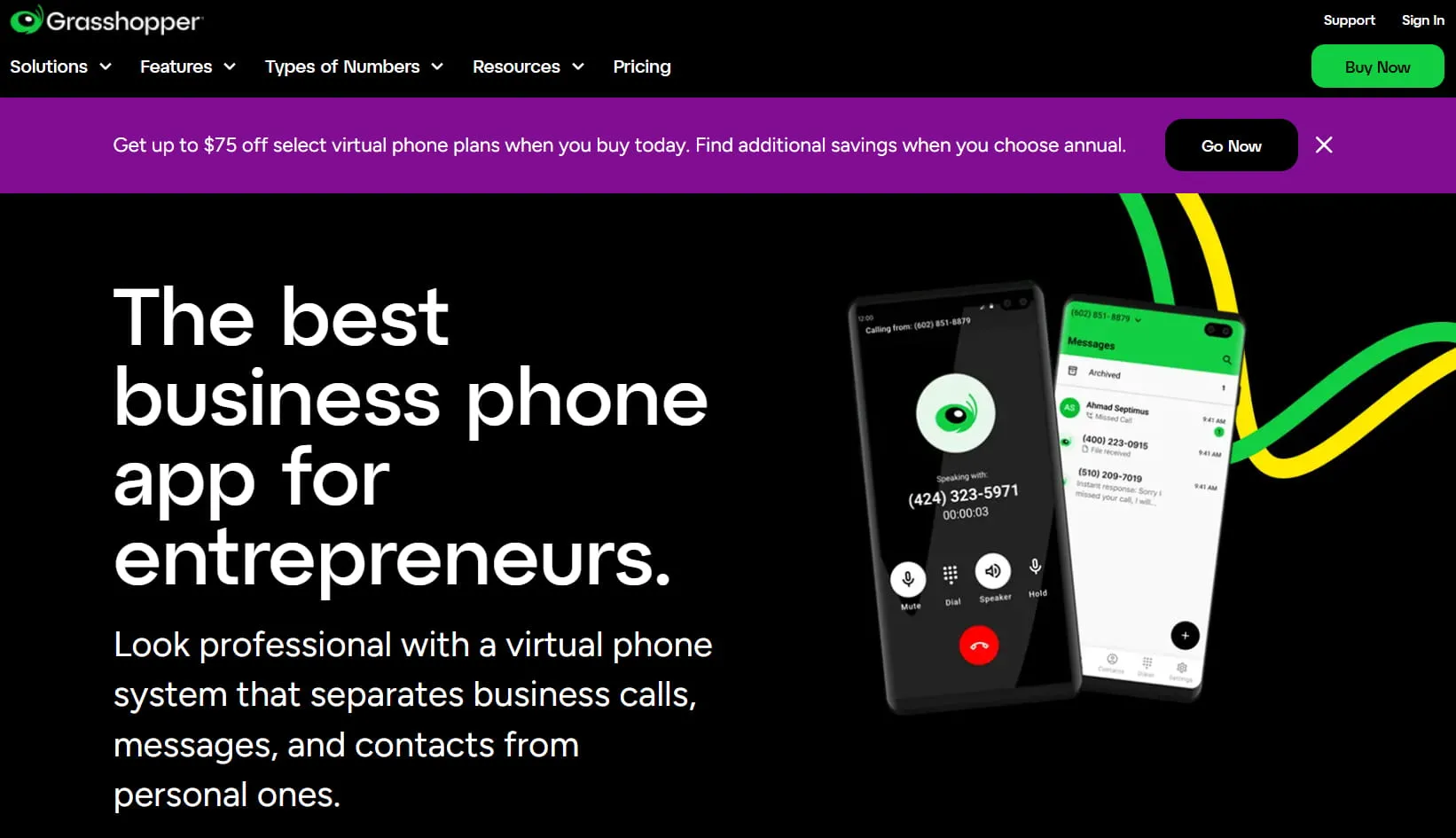
Grasshopper is a virtual phone system designed for small business owners and solopreneurs who need a professional phone number without the complexity of a full unified communications platform. It lets users add a business line to their personal phone to separate work and personal calls.
The platform provides core features like user-recorded custom greetings, voicemail transcription, and business text messaging. Calling within the US and Canada is included in its plans, and international calling is available at per-minute rates. Businesses that want a polished touch can purchase professionally recorded greetings as an add-on service.
Grasshopper focuses on core calling features and does not include advanced call routing, analytics, or native CRM integrations. This makes it a better choice for businesses that prefer simplicity over deep functionality.
3. Ooma
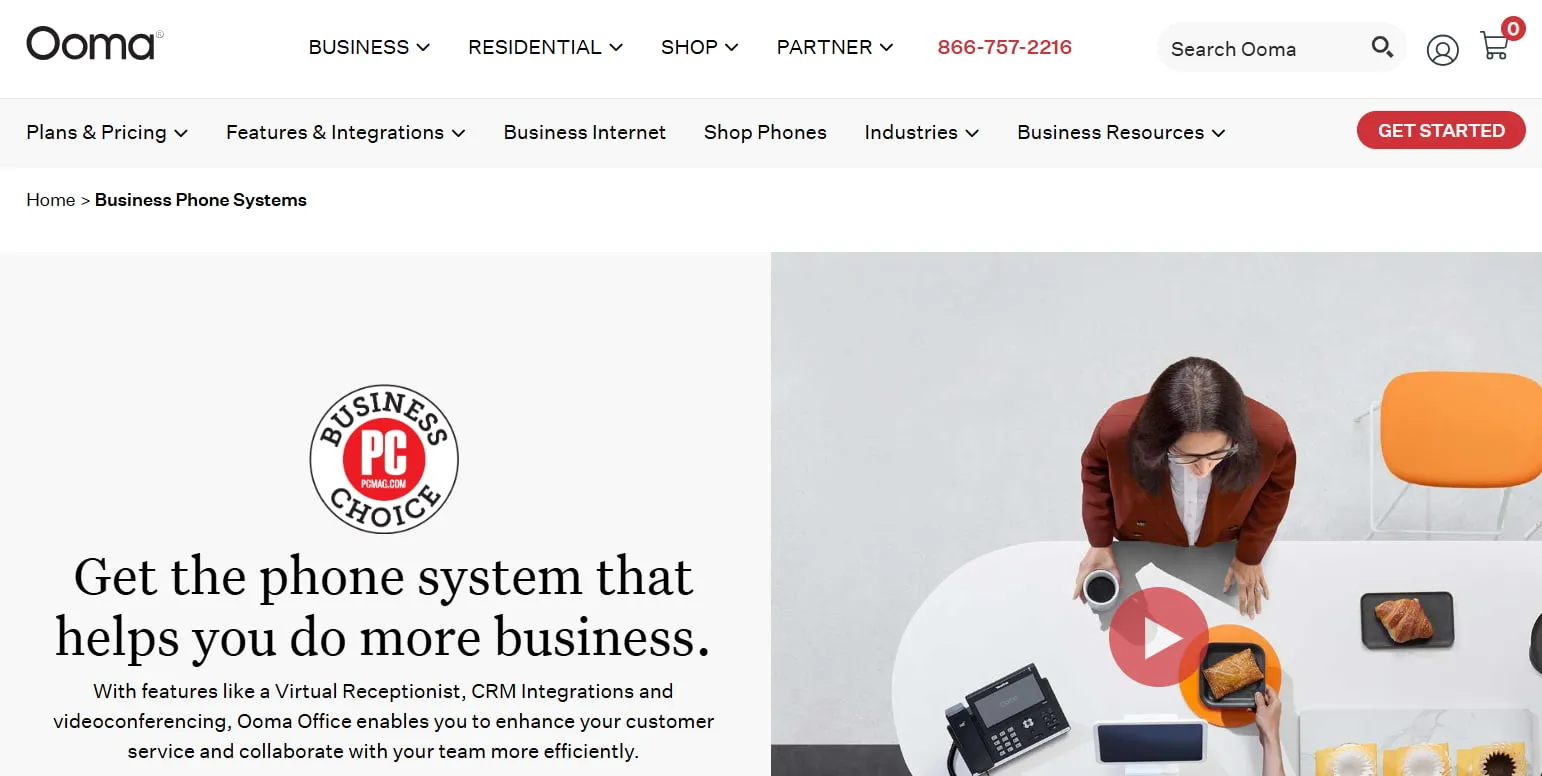
Ooma is a cloud-based Voice over Internet Protocol (VoIP) service provider that offers standard communication tools for businesses seeking straightforward calling, video, and faxing capabilities. It delivers fundamental features without the deep integration or advanced AI capabilities found in a comprehensive unified communications suite.
The platform equips teams with essential tools for daily operations, including unlimited calling across North America. A virtual receptionist routes inbound calls to the correct extensions, while call queuing helps manage caller flow during peak times. Ooma also includes digital faxing, which allows teams to send and receive faxes electronically without separate hardware.
However, the platform presents limitations for scaling enterprises. Videoconferencing caps at 100 participants, which constrains large team meetings and company-wide events.
4. Google Voice
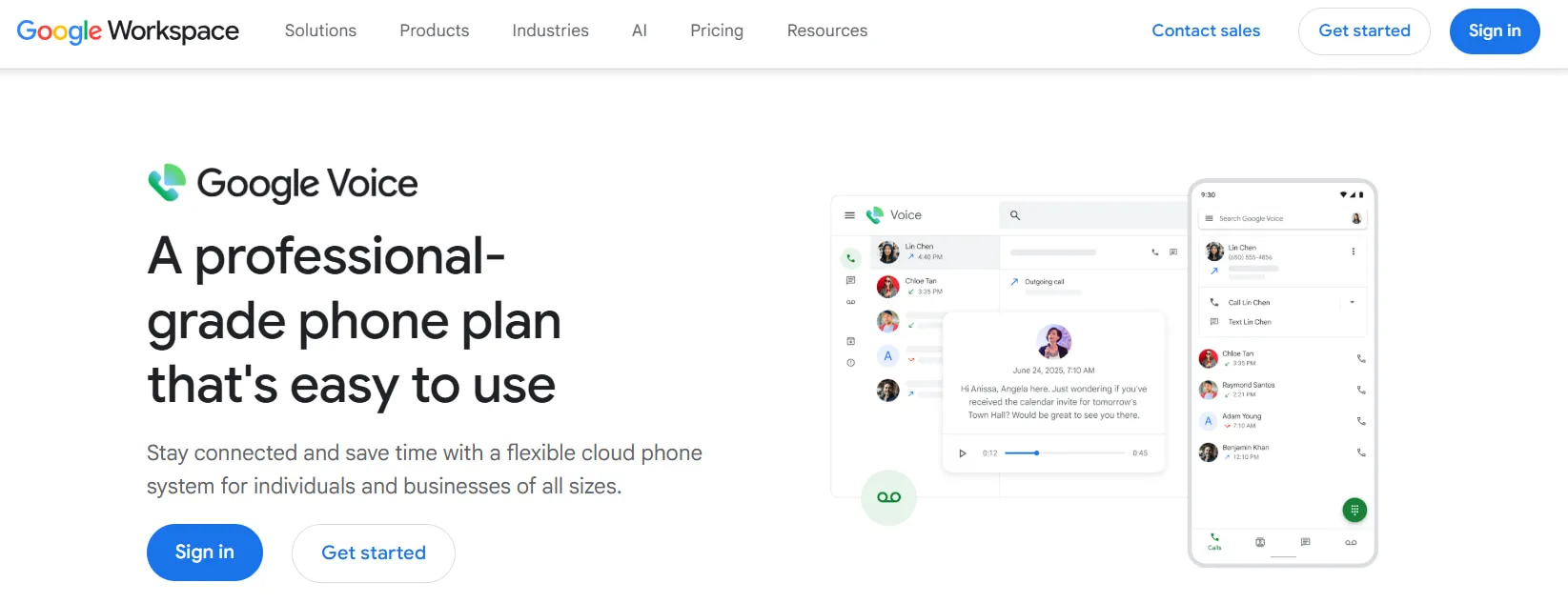
Google Voice is a cloud-based VoIP service that integrates directly with Google Workspace, offering business phone numbers alongside calling, texting, and collaboration tools. Although the system cannot be used as a standalone product and requires an active Google Workspace subscription, it unifies communications with familiar apps like Gmail, Calendar, and Meet for teams already embedded in the Google ecosystem.
The platform provides core features like unlimited domestic calling and texting to help high-volume operations keep expenses predictable. However, scalability can be an issue for rapidly growing businesses, as the entry-level plan restricts teams to a small number of users and domestic locations only. To support larger operations, upper-tier plans add professional call routing via an auto-attendant, searchable voicemail transcripts, and eDiscovery tools for compliance.
How to set up your business phone number for success
Once you've evaluated providers and features, setup is the logical next step. How you configure your system from the start determines whether you scale efficiently or create friction for customers and team members alike.
Follow these three steps to build a communication foundation that supports your growth:
Step 1: Choose a number and provider that supports your growth
Start by matching your number type to your market and choosing a provider that can scale with you. A basic cloud setup should take between 1 and 3 days, but allow 1 to 2 weeks for complex deployments or number porting.
- Select your number type: Choose a local number for regional trust, a toll-free number for national credibility, or international numbers to support global customers.
- Evaluate providers: Look for a platform with proven scalability, deep CRM integrations, AI-powered analytics, and guaranteed 99.999% uptime.
Step 2: Configure call routing for a professional customer experience
Once your number is active, design the caller journey to ensure every customer has a seamless experience.
- Set up your auto-attendant: Create a professional first impression with a custom greeting and menu options ("Press 1 for Sales, 2 for Support").
- Create custom greetings: Record separate messages for business hours, after-hours, and holidays.
- Route calls intelligently: Configure rules for call forwarding to mobile devices, ringing multiple team members at once, or sending calls to specific departments.
- Manage missed calls: Enable voicemail-to-email transcription so your team can respond quickly without listening to recordings. The Professional Communications Network found that 78% of callers abandoned a business after it missed their call, resulting in significant revenue loss.1
- Handle high call volume: Use call queuing to hold callers with music and status updates instead of sending them to a dead-end voicemail.
Step 3: Port your number and test your setup
Even if you're switching providers, porting lets you keep your existing number. Before you go live, test every function to confirm a seamless transition.
- Port your existing number: Let your new provider handle the transfer (typically up to 14 business days). You'll need to provide a recent bill and your account details.
- Test your call flows: Make test calls to check audio quality, verify routing rules work as expected, and confirm voicemails get delivered correctly.
- Verify your failover plan: Test what happens if your internet goes down. Do calls automatically forward to mobile devices as planned? This final check prevents dropped calls and lost business.
Why your business needs more than just a phone number
While a basic phone number solves immediate needs, it often leads to fragmentation that creates operational friction and prevents you from seeing the full picture. A true business phone number supported by a unified communications platform eliminates these gaps.
RingEX Business Phone System is an all-in-one solution that integrates voice, video, messaging, and AI to connect your entire business. Instead of juggling separate apps, your team gets:
- A single source of truth: Eliminate wasted time switching between tools. With unified voice, messaging, and video, customer context flows seamlessly across every interaction.
- AI-powered insights on every call: Go beyond basic calling with AI transcription, summaries, and conversation intelligence that turn every discussion into actionable data. Help your team focus on the customer, not on taking notes.
- Effortless scalability: Start with essential business calling features and add advanced contact center capabilities as you grow. RingCentral's cloud-native architecture supports teams from 5 to over 5,000 without hardware investments or IT overhead.
Ready to build a communication strategy that grows with you? Explore RingCentral's business phone solutions and see how a unified platform can support your team today and prepare you for tomorrow.
Business phone number FAQs
- Basic services: $10–$15 per user per month for core calling features
- Unified communications platforms: $20–$30 per user per month for integrated voice, video, and messaging
- Enterprise solutions: $35–$75 or more per user per month for advanced AI, analytics, and contact center tools
Sources
1. Missed call revenue study. PCNAnswers. (2026, February 18).